

Straight Tension Fabric Displays + Frame (Fabric Displays)
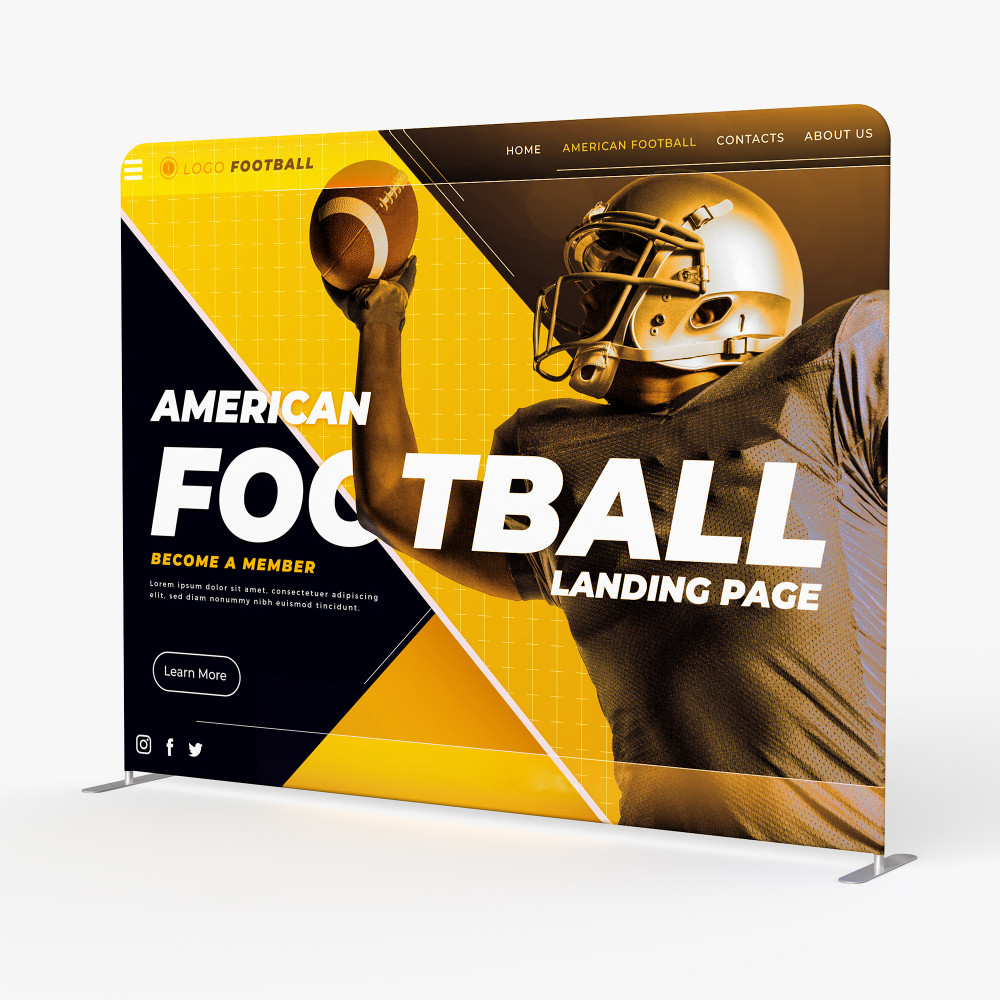
Straight Tension Fabric Displays
Sleek Backdrops for Impactful Exhibits
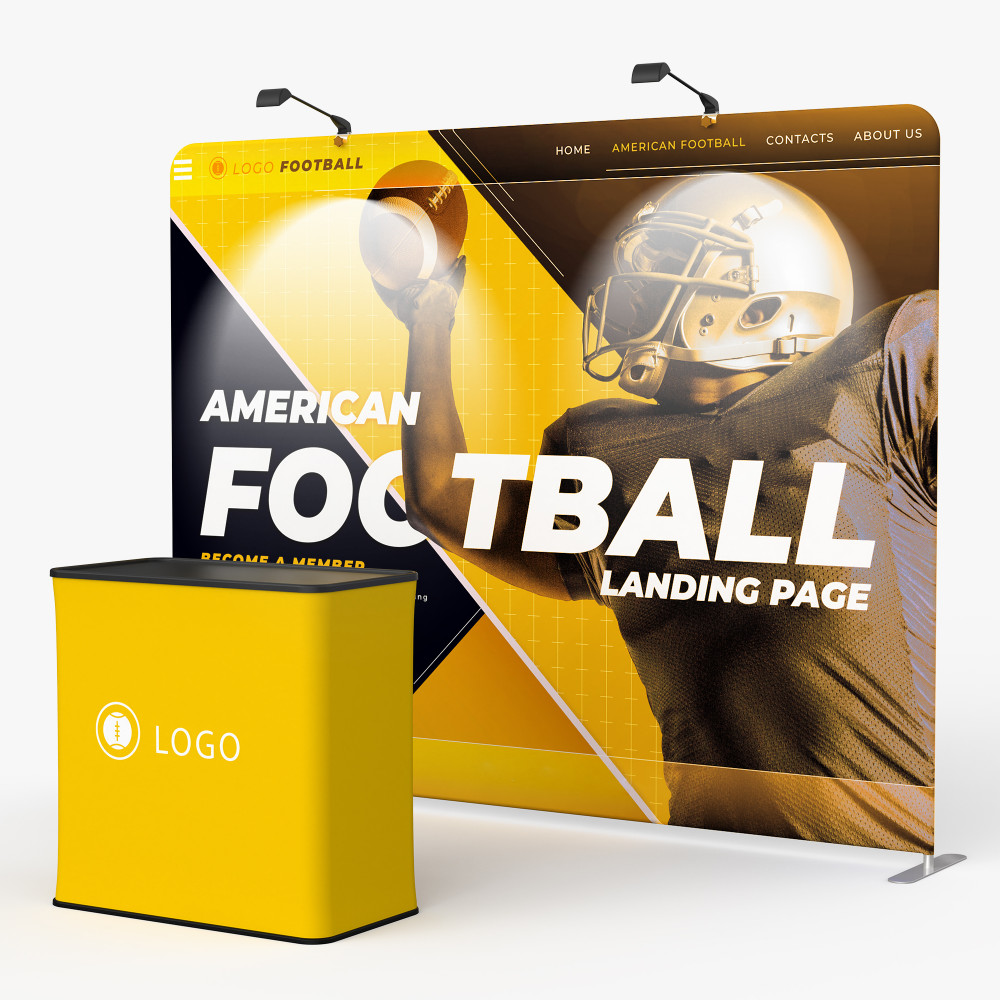
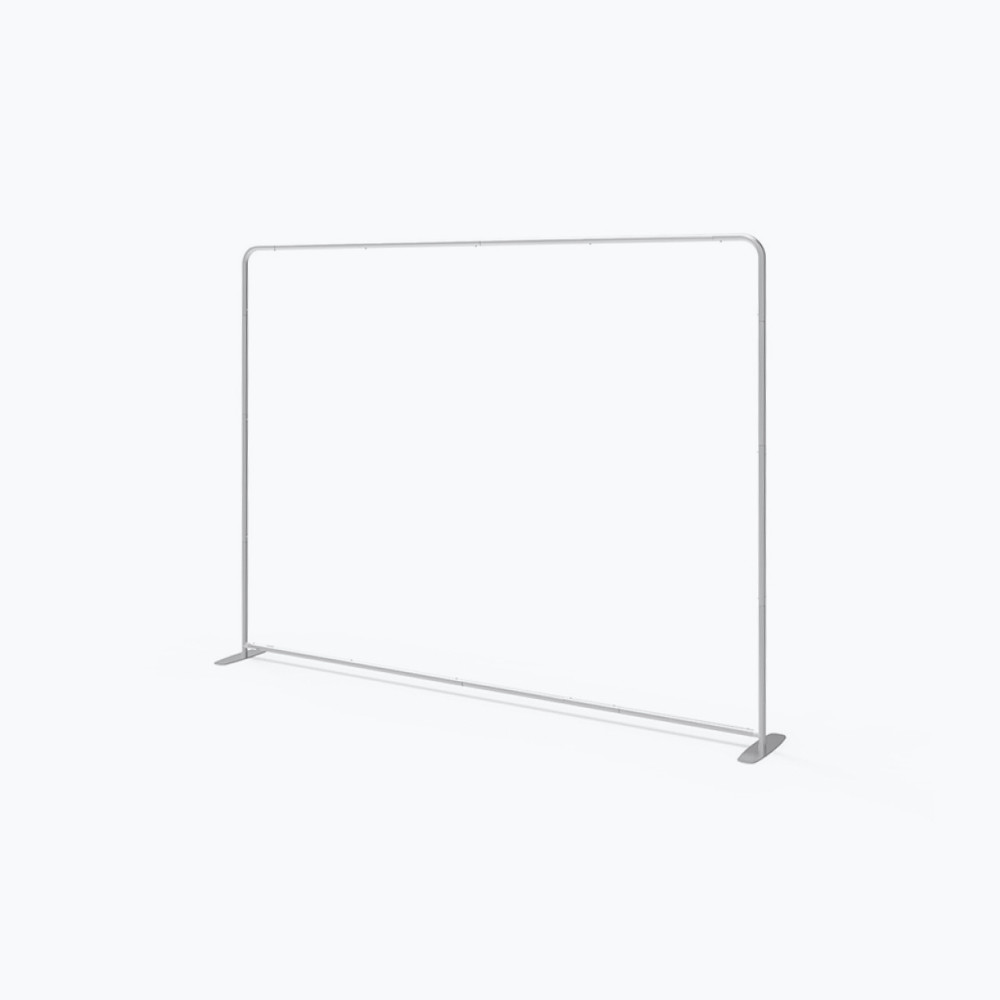
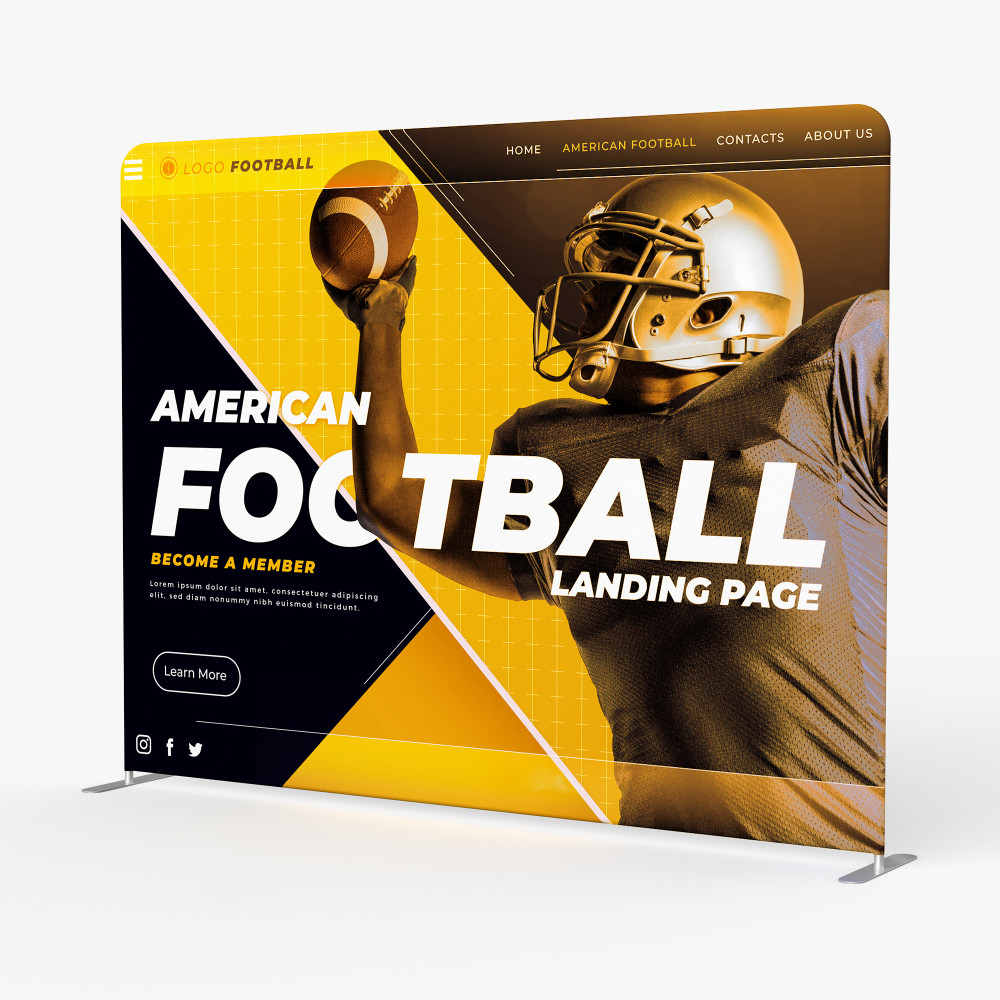
Our Straight Tension Fabric Displays are designed to create striking backdrops and exhibits for trade shows, events, and presentations. Available in 8', 10', and 20' sizes, these displays feature a clean, flat design with stabilizing feet for a secure and professional setup.
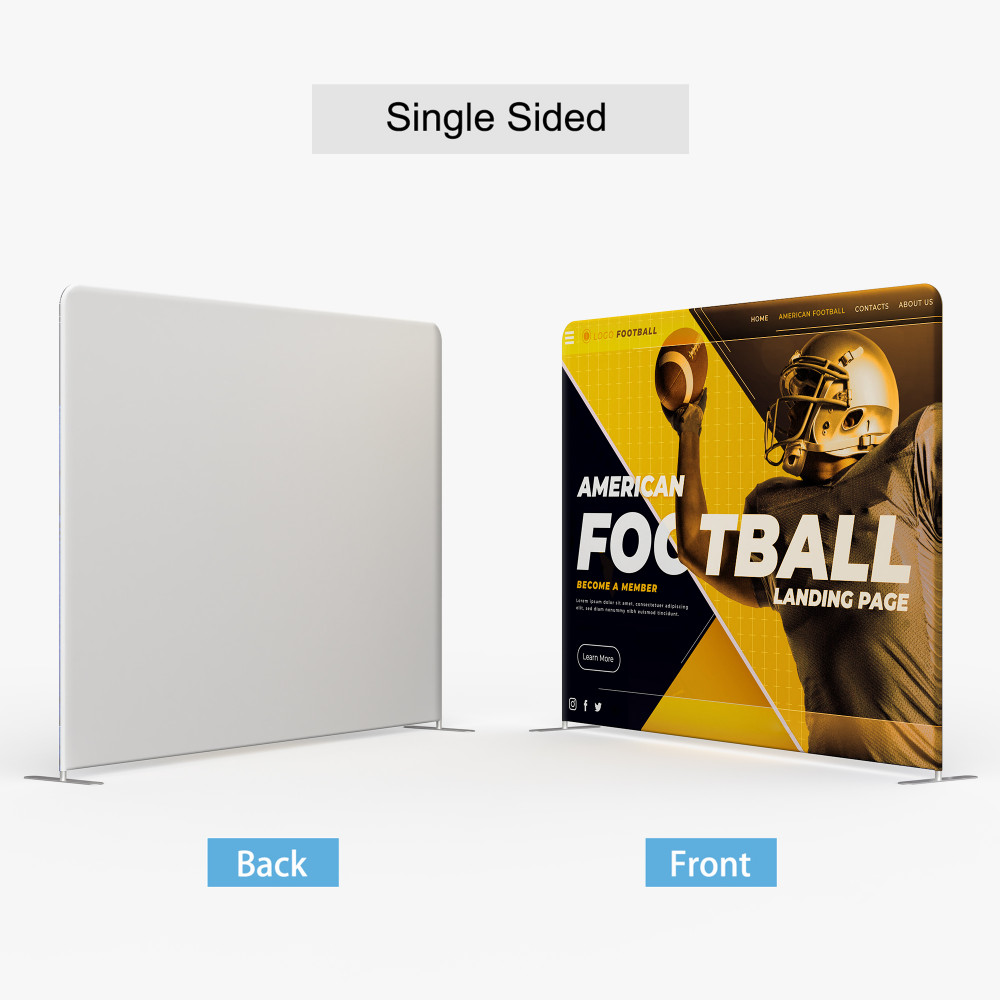
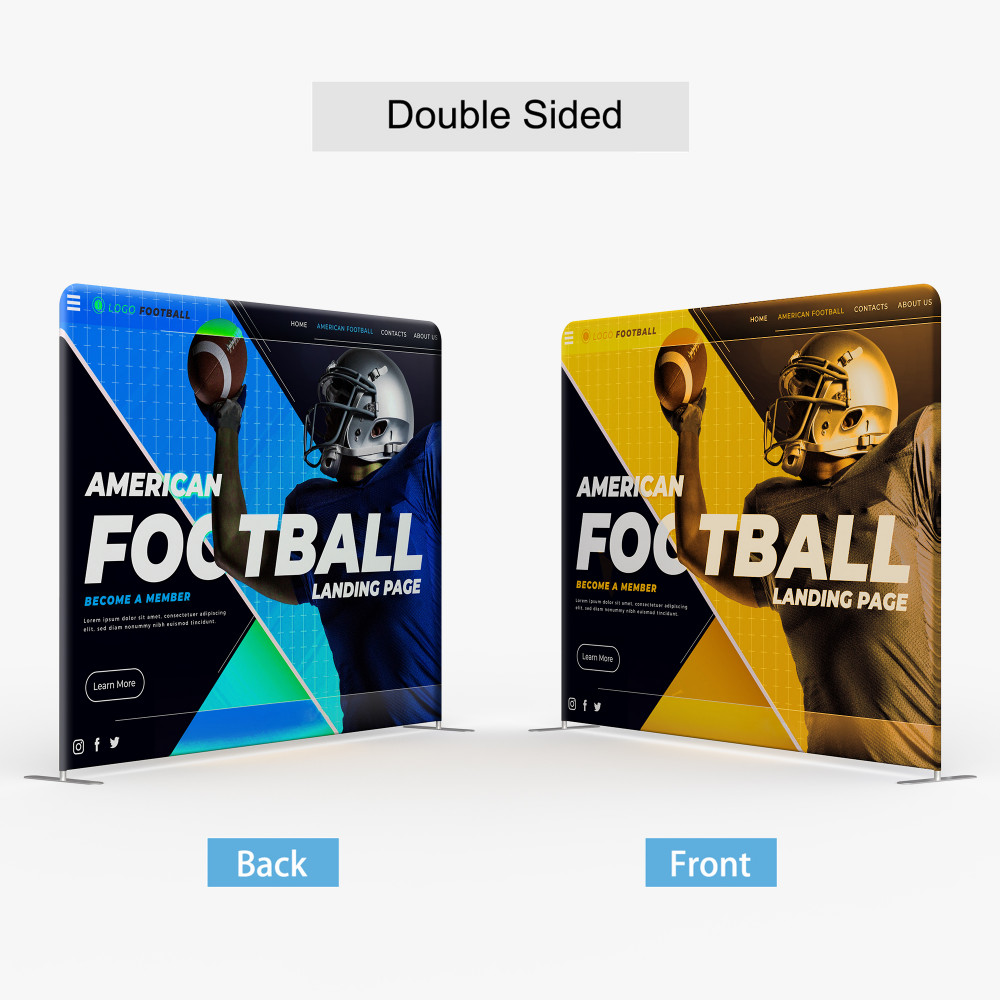
Choose between vibrant single-sided or impactful double-sided tension fabric dye-sublimated prints to make your message stand out.
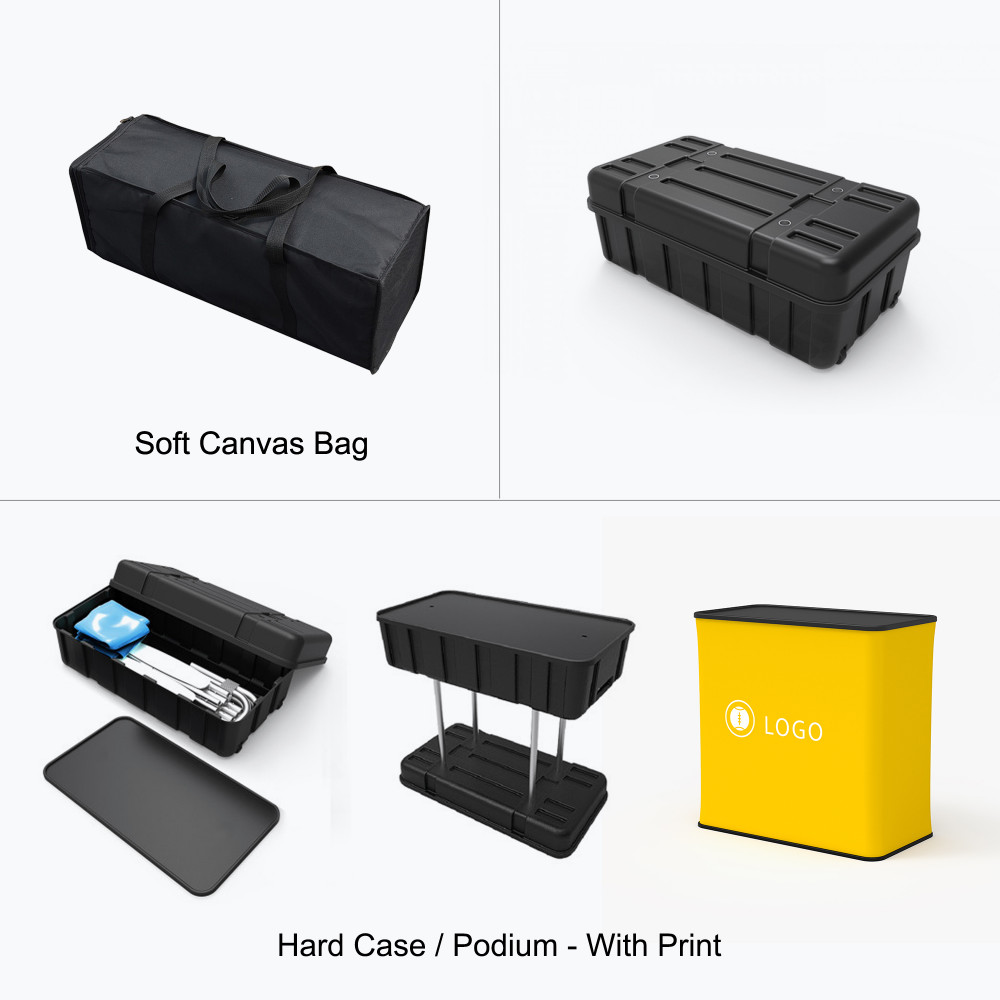
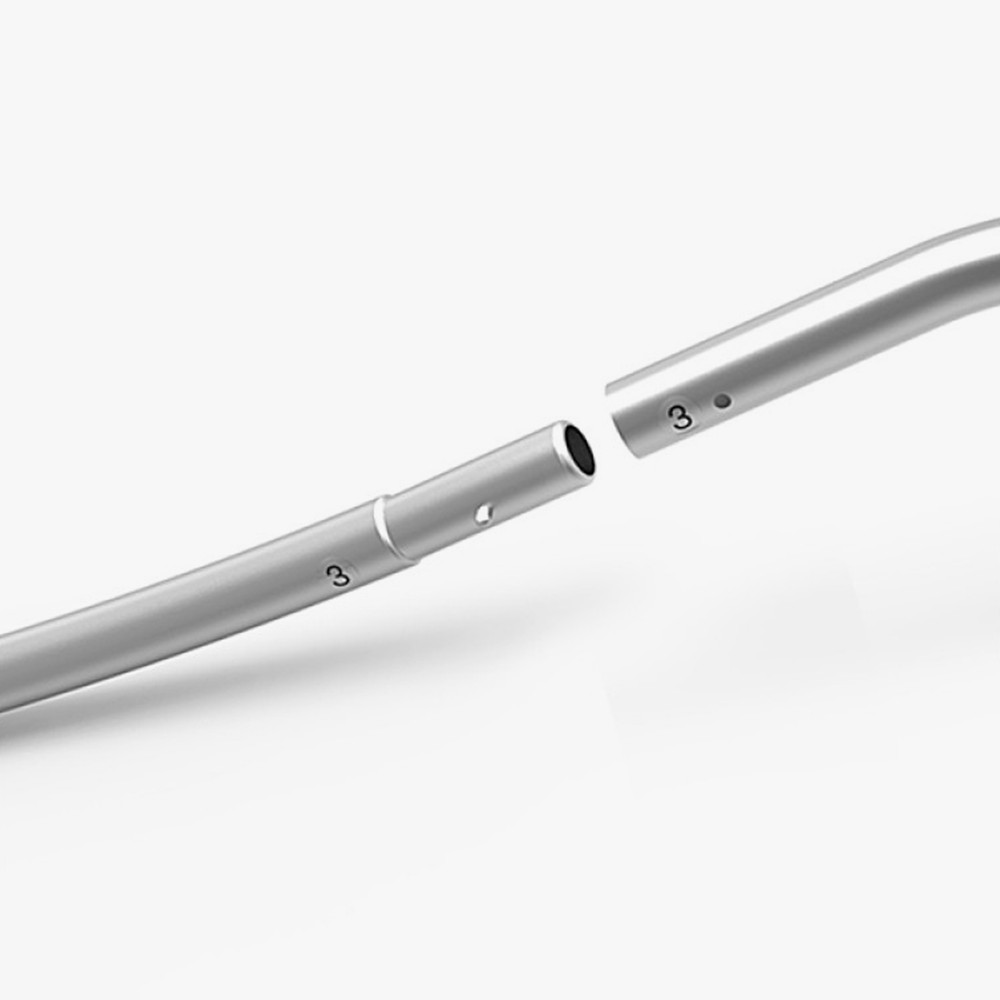
Assembly is quick and hassle-free with tool-free aluminum tube hardware and snap-fit connections. Each display includes a soft canvas carry bag for convenient transport and storage. Optional hard cases and podium accessories are available for enhanced portability and functionality.
Specifications
Material:
8.8 oz. tension fabric
Hardware:
Aluminum interlocking tubes
Soft canvas carry bag (included)
Hard case (optional, durable plastic)
| Size & Weight | 8ft Straight Shape | 10ft Straight Shape | 20ft Straight Shape |
|---|---|---|---|
| Display Size | 89.5” W x 89” H | 112” W x 89” H | 236.5” W x 89.5” H |
| Graphic Size | 90” W x 89.5” H | 115” W x 89.5” H | 236” W x 89.5” H |
| Weight (w/ bag) | 30 lbs | 34 lbs | 41 lbs |
| Weight (w/ podium) | 52 lbs | 53 lbs | 72 lbs |
| Package Size (bag) | 32” W x 11” H x 11” D | 32” W x 11” H x 11” D | 32” L x 12” W x 16” H |
| Package Size (case) | 40” W x 21” H x 17” D | 40” W x 21” H x 17” D | 40” W x 21” H x 17” D |
| Podium Size | 37” W x 37” H x 20” D | 37” W x 37” H x 20” D | 37” W x 37” H x 20” D |
File Setup Guidelines
Accepted File Formats:
• JPEG or PDF (single-page only)
Color Mode:
• CMYK (Convert all colors to CMYK – no Pantones or Spot Colors)
Resolution:
• 150 DPI (sufficient for large format printing)
Max Upload Size:
• 300MB per file
Artwork Preparation:
• Build your artwork to the actual ordered size
• Do not include crop marks or bleeds
• Scaled artwork will be auto-detected and fit to size
• For double-sided products, upload two separate files unless template specifies otherwise
Additional Tips
• Convert all fonts to outlines before exporting
• Use our provided design templates when available
• Do not change the artboard size or reposition any template guidelines
• Design only on the layer labeled “Artwork”
• Remove mask/guide layers as instructed in the template documentation
Download Installation_Guide_-1_Tension_Fabric_Display_-_Straight.pdf
Download Product Guideline
Designs
Frequently Bought Together
 Rating