


Hang Tags-Same Day (Same Day Printing)
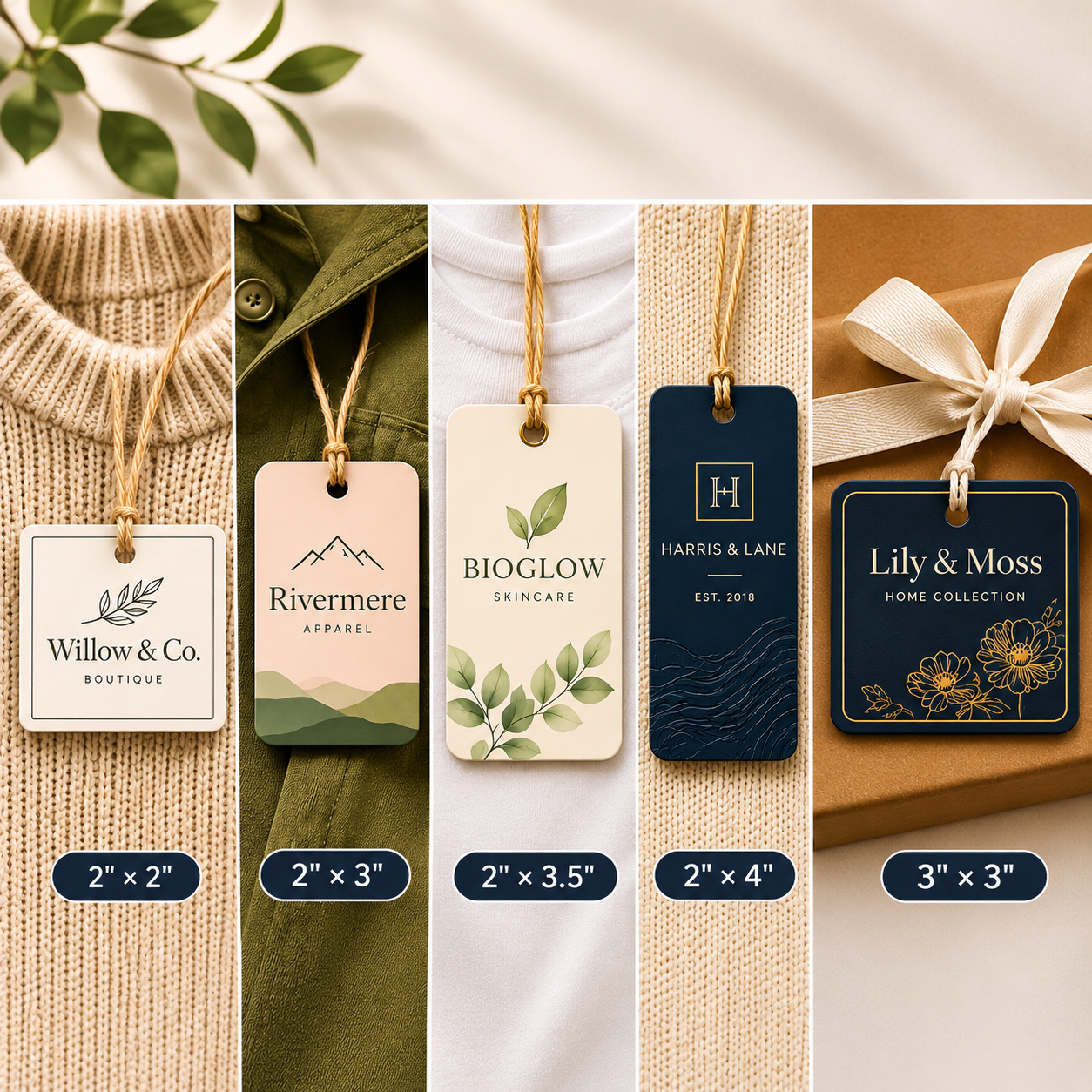

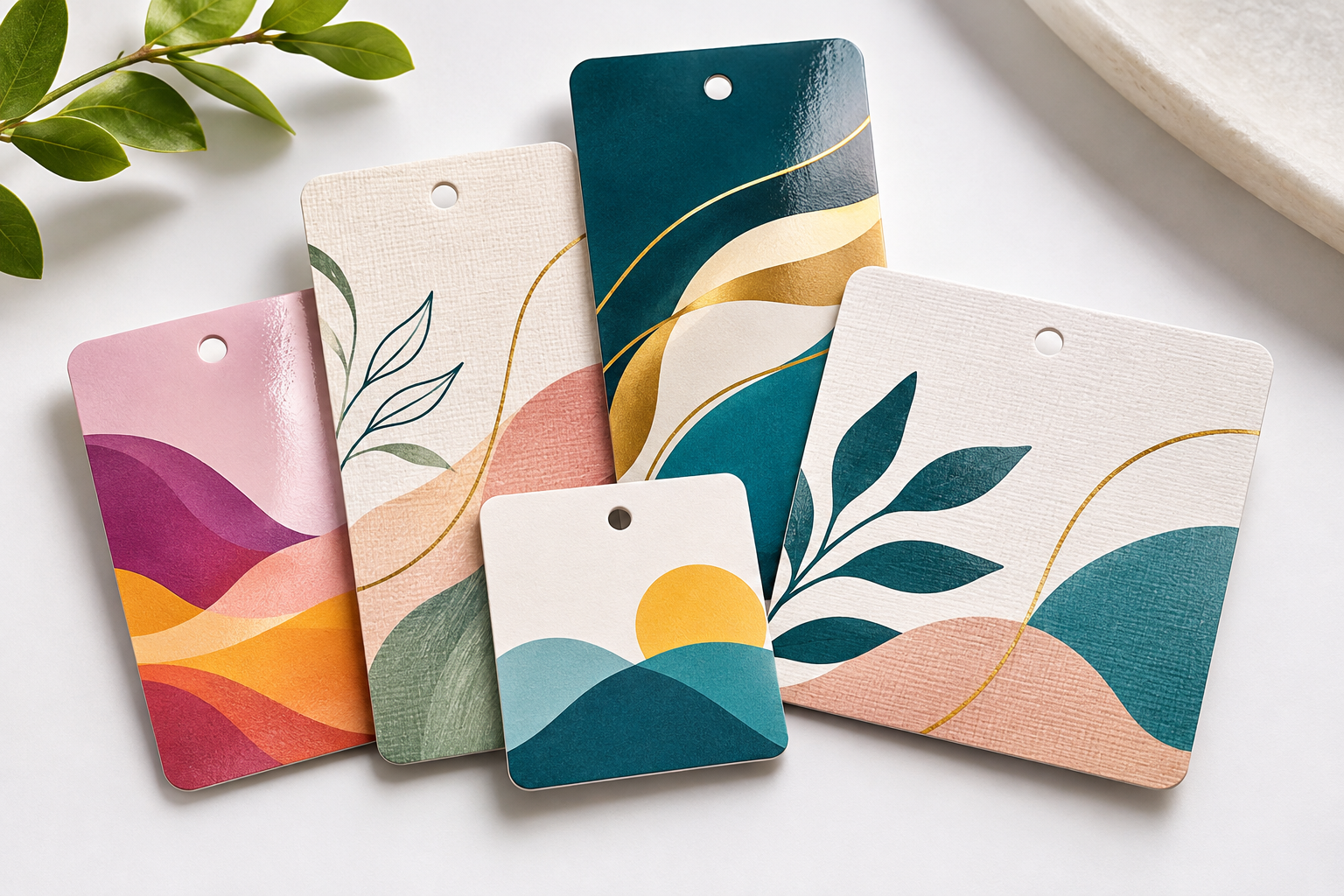
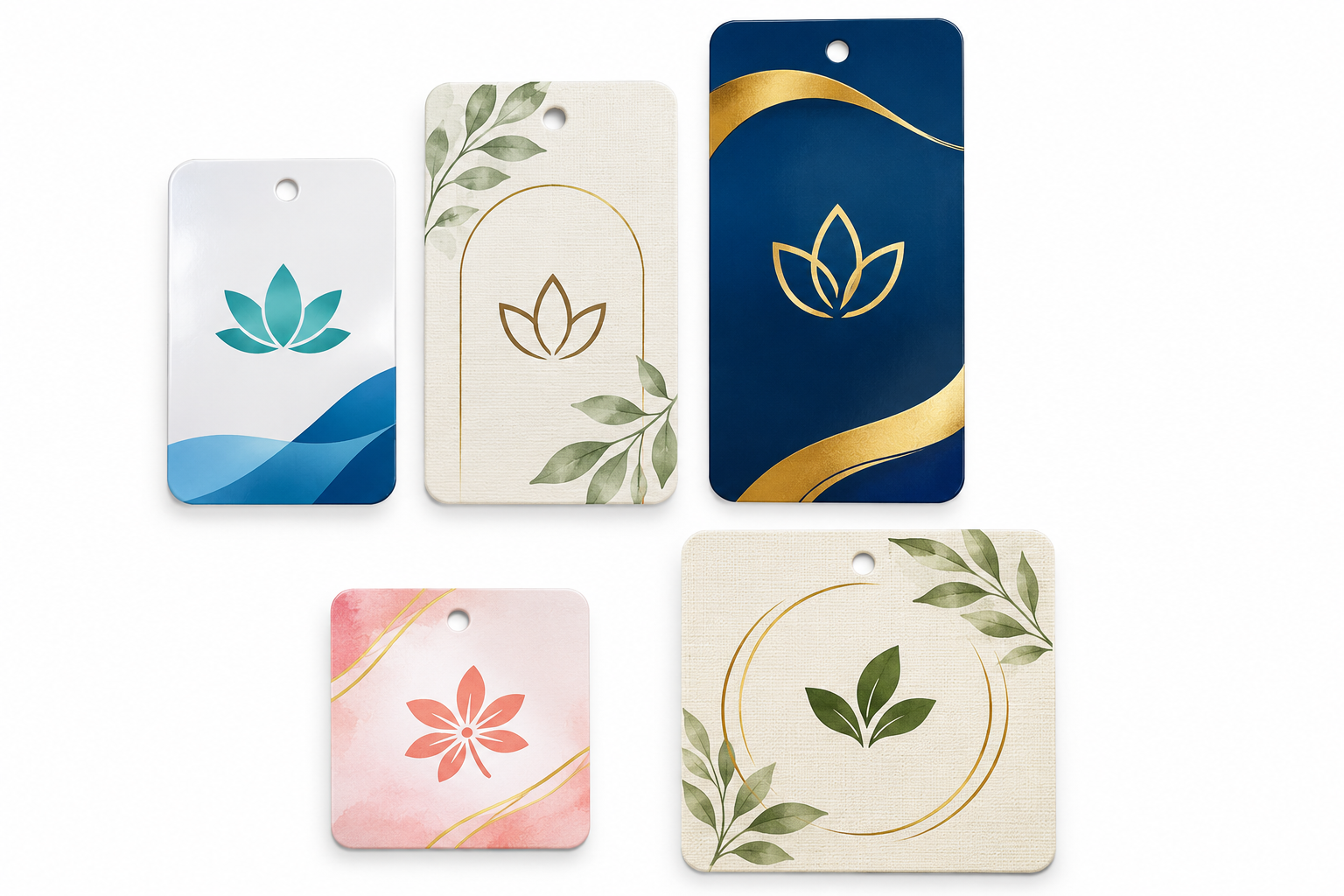
Hang Tag Artwork Setup – Get Your Files Print-Ready!
Creating the perfect hang tag starts with properly prepared artwork. To ensure accurate trimming, vibrant printing, and a professional finish, please follow these simple file setup guidelines before uploading your design.
File Dimensions & Bleed Requirements
All hang tag artwork must include 0.125" (1/8") bleed on all four sides. This extra space allows background colors and images to extend beyond the final trim edges, preventing unwanted white borders.
| Finished Hang Tag Size | Upload File Size (With Bleed) |
|---|---|
| 2" × 2" | 2.25" × 2.25" |
| 2" × 3" | 2.25" × 3.25" |
| 2" × 3.5" | 2.25" × 3.75" |
| 2" × 4" | 2.25" × 4.25" |
| 3" × 3" | 3.25" × 3.25" |
Important: Please upload your artwork using the dimensions in the second column, including bleed.
1/8" Hole Punch – Placement Guidelines
Every hang tag includes a 1/8" diameter hole punch for attaching strings, ribbons, or fasteners.
Hole Diameter: 0.125" (1/8").
Hole Placement: Indicate your preferred hole location in the artwork or order instructions.
Recommended Position: Centered near the top of the tag for a classic hang tag appearance.
Clearance: Keep important text, logos, QR codes, and design elements away from the hole and surrounding area.
Custom Positioning: If you require a specific location, clearly mark the hole center in a separate reference file or provide exact measurements from the finished trim edges.
We recommend positioning the hole center at least 0.25" from the finished trim edge, with additional clearance for important artwork. Hole placement should be confirmed before printing.
Recommended Artwork Specifications
File Format: Print-ready PDF preferred.
Resolution: 300 DPI recommended.
Color Mode: CMYK recommended.
Bleed: 0.125" on all four sides.
Safe Area: Keep important text and logos at least 0.125" inside the finished trim edges, excluding the hole area.
Single-Sided Printing: Upload one finished design.
Double-Sided Printing: Include both front and back designs, preferably as separate pages in one PDF.
Quick Tips for the Best Results
For edge-to-edge designs, extend all background colors, patterns, and images fully into the bleed area.
Avoid placing important text or logos too close to the trimming edges or hole punch. Make sure small text is easy to read, particularly on smaller 2" × 2" tags.
If your design requires a specific hole position, please provide clear instructions so we can match your intended layout.
Ready to Print? Upload Your Design!
Once your artwork is ready, simply select your preferred hang tag size, paper stock, printing options, and quantity, then upload your file.
At Daffodil Print, we're here to make the process easy, with professional-quality custom hang tag printing in Jersey City and NYC, same-day service options, and convenient nationwide shipping.
To start, select the product size, preview the design guidelines, download the guidelines for reference, and proceed with the customization options.
Designs



 Rating